
Is your Access Point certificate about to expire? Here is what you need to do next!
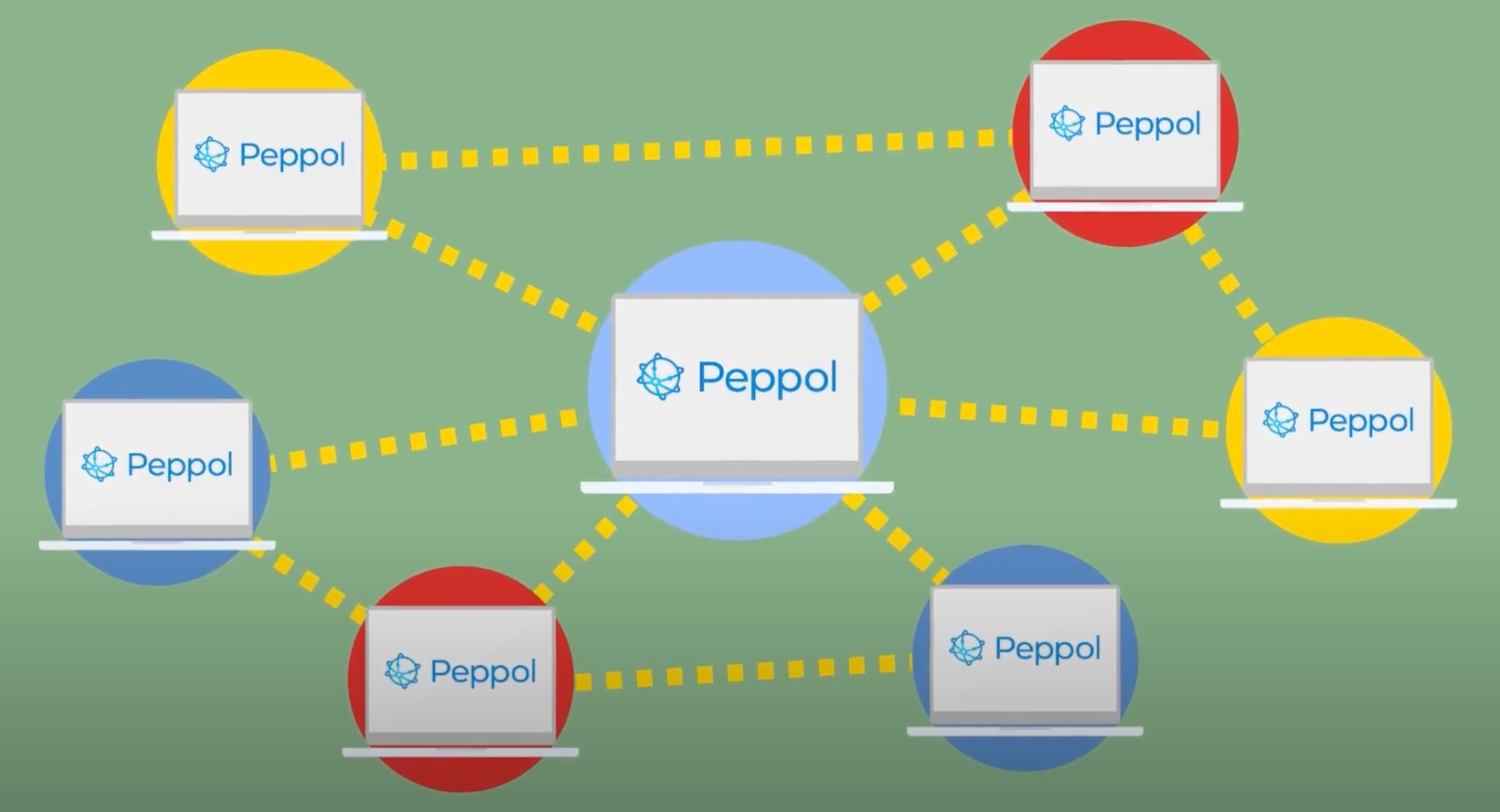

Like sand through the hourglass so goes the cycle of AP certificates. Every 24 months your AP certificate has to be renewed, a process that involves OpenPeppol. If the certificate expires it will make your AP non-interoperable with other APs. Let’s not make that happen, we´re here to make the renewal process as smooth as possible for you.
Don’t stress, we got you covered in these nine easy quick steps:
- We will notify you about your AP certificate expiry well in advance of the expiration date
- We will ask you to provide
- A business registration document issued by an authority in your country, not older than 6 months
- B signed Peppol Service Provider Agreement (that came into effect on July 1 2022)
- C contact details (email address and mobile phone number) of the person in your company that is the contact for the certificate
- We need to know if you have Peppol participants in other SMPs than in the Tickstar SMP.
- We will initiate the request process through Peppol’s Helpdesk for both a Test and Production AP certificate.
- You will receive an enrollment e-mail from the Enterprise PKI Team <noreply@digicert.com> and SMS passcodes from Peppol related to each of the requested Test and Prod certificates. Please forward all of them to us
- We will enroll for your certificate.
- We will update the certificate in your AP instance and in the Tickstar SMP.
- We will send the public key of the AP certificate to you
- You will have to update other SMPs in which you have Peppol participants, using the public key you received in the previous step.
The entire process only takes about 2-4 hours for us to complete and we are here to help!


- How to's /Guides
- Regulatory/Mandates
On 1 January 2026, Belgium launched their B2B eInvoicing mandate, requiring all VAT-registered businesses to issue and receive structured eInvoices for domestic transactions. Swiftly afterwards, BOSA (the Belgian Peppol Authority) [...]
Read Article
- How to's /Guides
A growing number of small and medium-sized businesses (SMBs) are switching to eInvoicing as a faster and more secure way to send and receive invoices. But what exactly is eInvoicing, and how can it benefit your business? Her [...]
Read Article
- Case Study
- Company News
- Geo/country specific
For over 40 years, Dataprint has been a trusted communications service provider in New Zealand, bridging the gap between traditional mailhouse services and modern digital delivery. Part of the Freightways Group, Dataprint now mana [...]
Read Article